
For whoever leads a sales team · works without signal · for iPhone and iPad
Your team, their numbers, your goals.
Lead a team? With FuaFlow Teams you see your team's numbers for the day, set their goals and hand out leads. Everyone keeps working in their FuaFlow CRM, which is free. And if someone asks for help with an SOS, your iPhone rings even when it's locked.

Free download · first month free · no ads · no account
A day with FuaFlow Teams
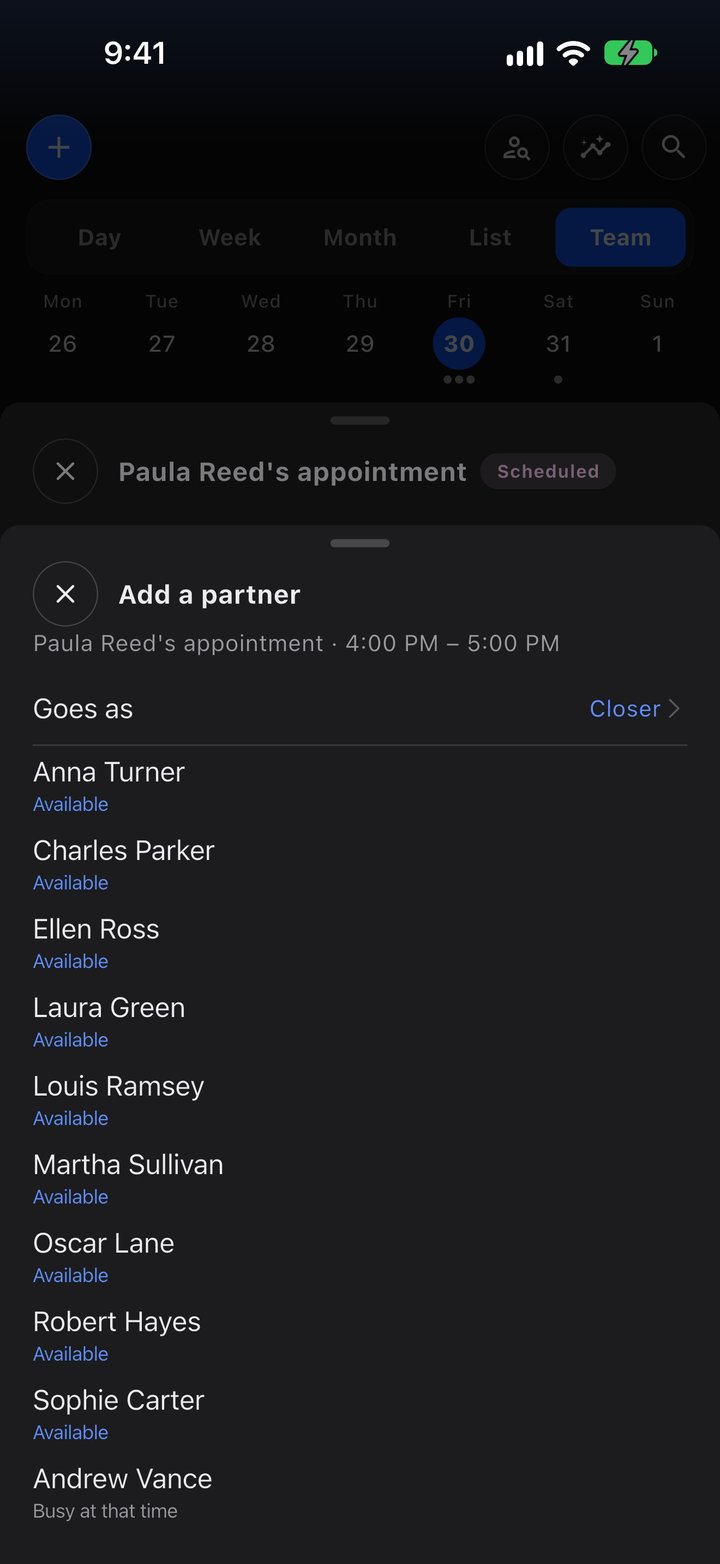
A sales manager with six people out in the field. Each of them works in their FuaFlow CRM; she sees her team in FuaFlow Teams.
-
08:30
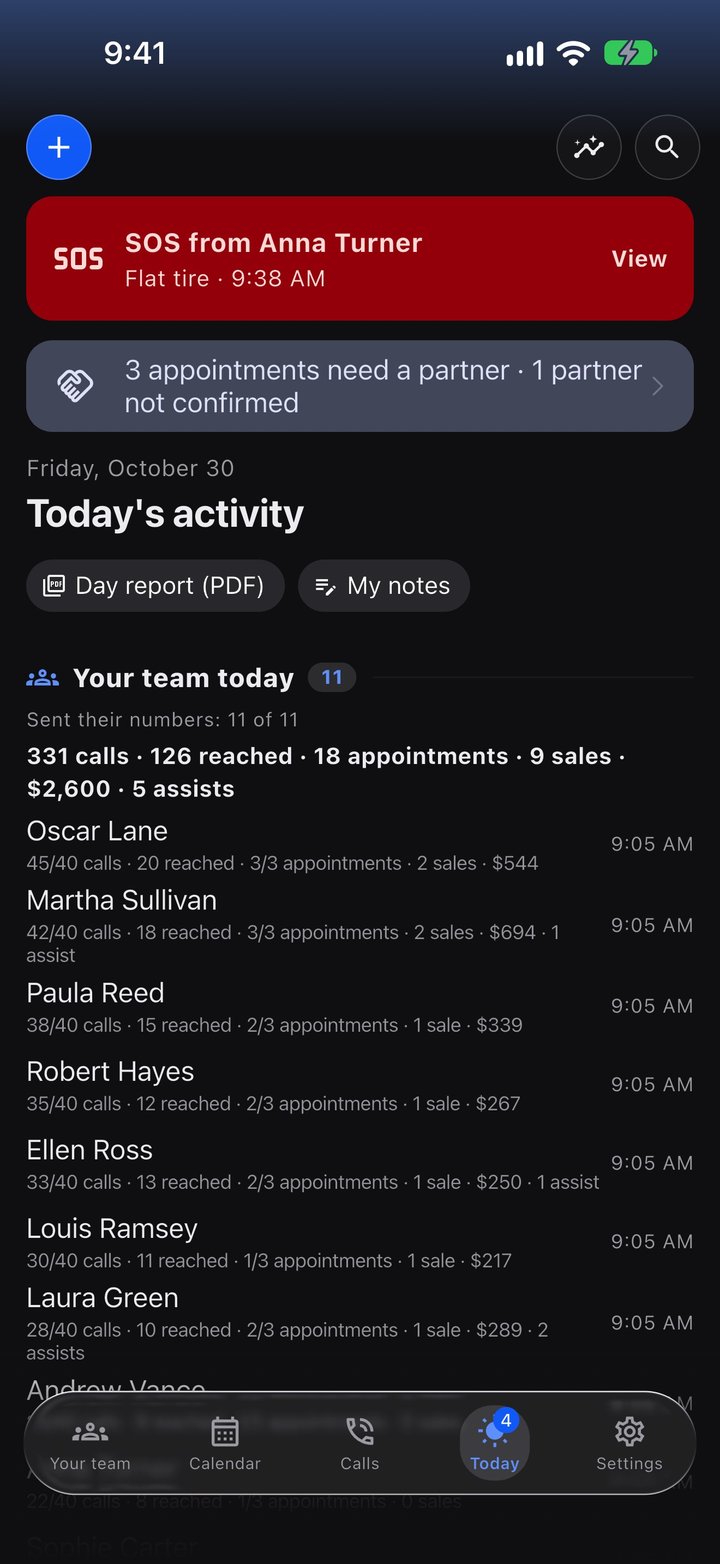
Your team today
You open Today and see who already sent their numbers for the day and who hasn't: calls, contacts, appointments and sales for each person, without asking one by one.
-
09:15
You hand out leads
The trade show list came in. You import it and decide who gets each part; it reaches each person's FuaFlow CRM. The app suggests, but never hands anything out on its own.
-
11:40
Someone asks for help
Carlos gets a flat tire leaving an appointment and sends an SOS from his CRM. Your iPhone rings even when it's locked: you see where he is, you call him, and "Seen it" lets him know you saw it.
-
13:00
Goals per campaign
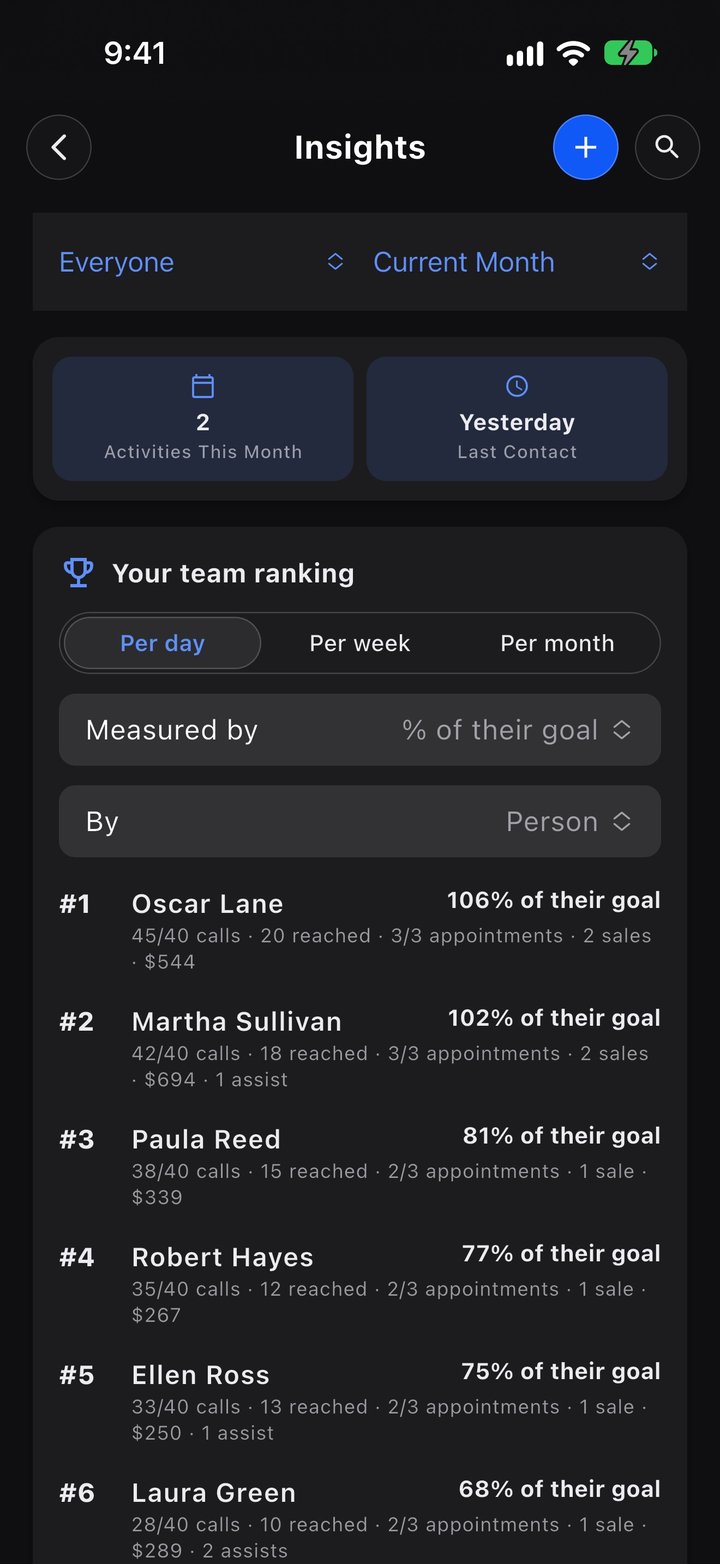
The end-of-month campaign starts. You set your team's goal and the ranking builds itself, with each person's name or the nickname they prefer.
-
17:30
A one-on-one
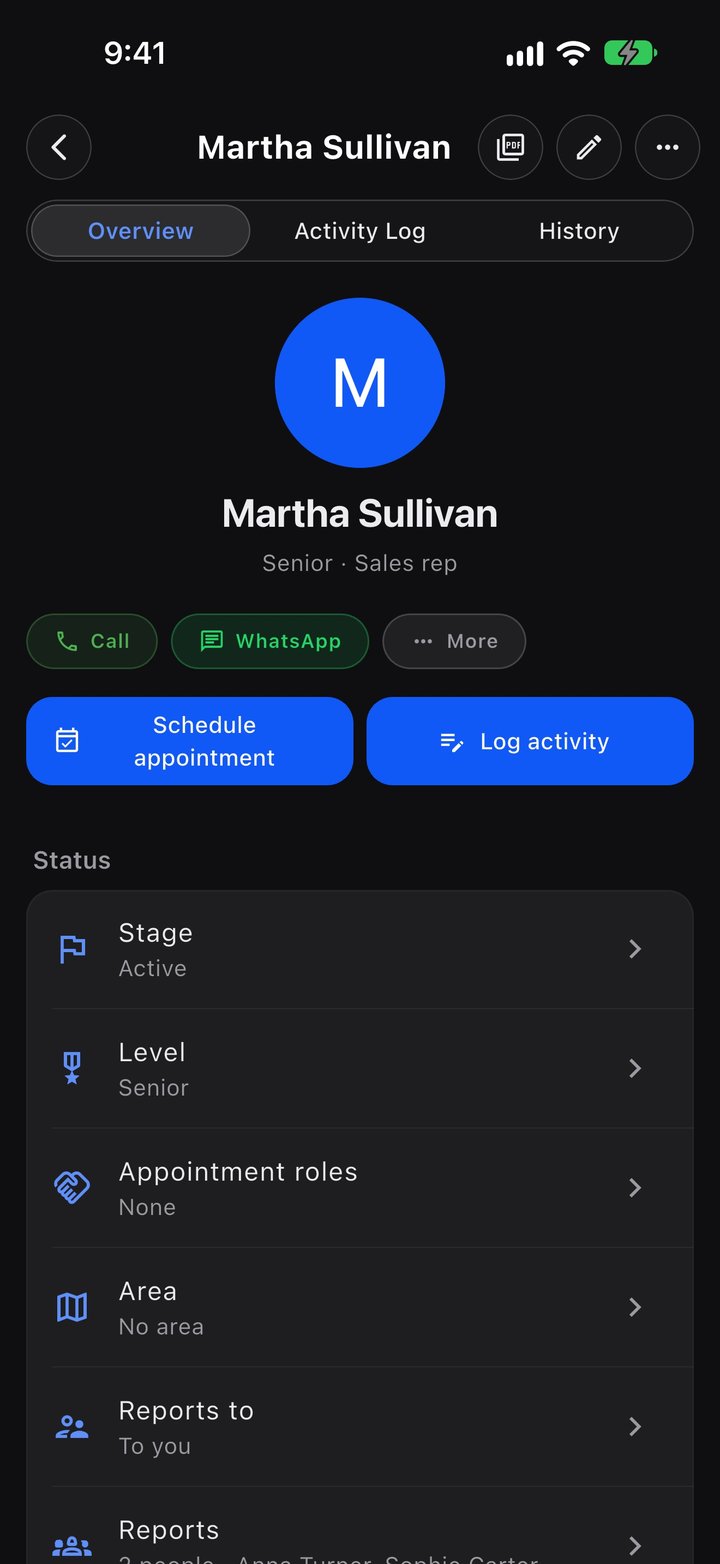
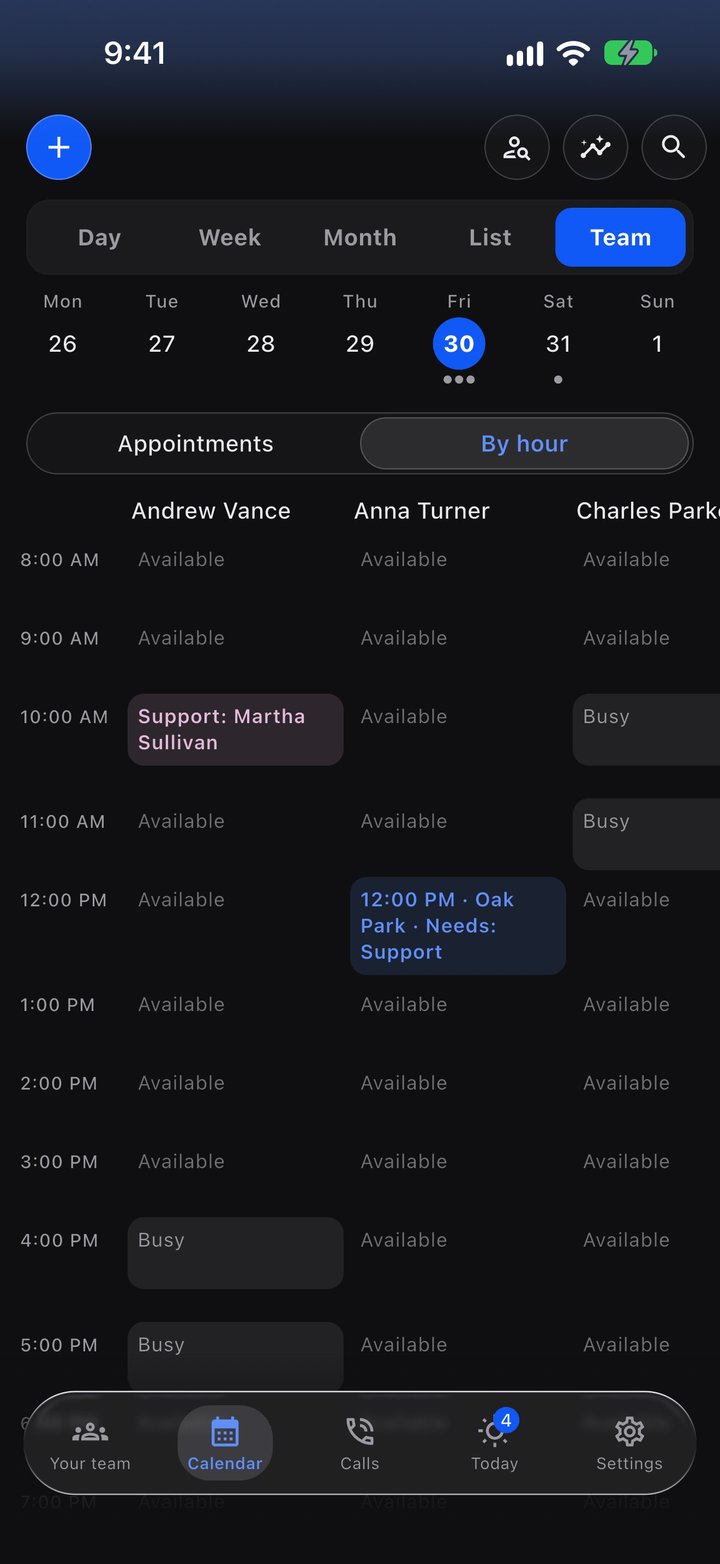
You schedule a one-on-one with Luis. His card has his numbers for each day and what you talked about last time.
-
19:00
Teams within teams
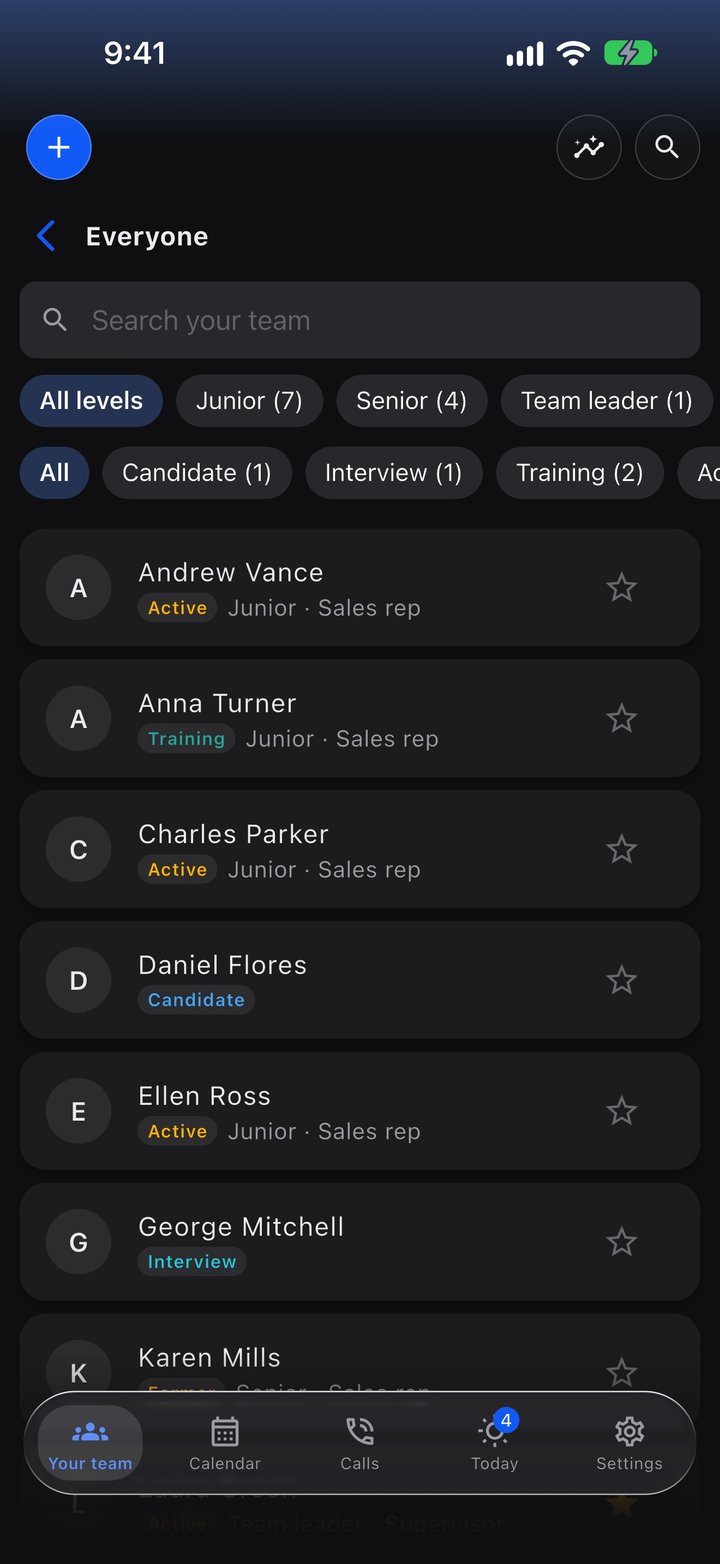
Laura leads three people with her own FuaFlow Teams and joins your company with her whole team. You see their numbers; everyone edits only their own.
What's inside
Your team in one app, with no account and no signal needed.
Today
Who sent their numbers and who hasn't, the SOS on top, and your calls and appointments for the day.
Numbers for the day
Calls, contacts, appointments, sales and amount for each person, from their FuaFlow CRM.
Goals
Per person and per campaign, with your team's ranking.
Hand out leads
From a CSV file to each person's FuaFlow CRM. You decide who gets what.
Team SOS
It rings in Morse, shows where they are, and you call them in one tap.
A code to join
A code or a QR that lasts up to an hour; they accept it in their FuaFlow CRM.
Teams within teams
Whoever leads their own team joins yours with everyone; each person edits only their own.
Your team's CRM
Products, catalog, materials and campaigns reach each person's FuaFlow CRM.
No signal
Everything is saved on your phone first and travels when the signal comes back.
For companies
More than 500 people, several leaders or yearly billing with an invoice? We'll put together a custom Business plan for you.
We can't read your team's data.
FuaFlow Teams has no accounts, no trackers and no ads. What you record about your team lives on your phone, and what goes back and forth with their FuaFlow CRM travels sealed.
- Your identity is a key that lives on your phone: no email, no username, no password. To switch phones, you save a copy of the key, encrypted with a password only you know.
- The numbers for the day, your goals and the leads you hand out go through our relay sealed: only the phones they're meant for can open them.
- The relay keeps the minimum: your public key, who is on your team and their name, and, for up to seven days, what is waiting for a phone that's off.
- In Settings you can delete what you recorded on your phone; your business's data stays so your team can keep working. To have the relay forget you, write to [email protected].